Put the map on the postcard.
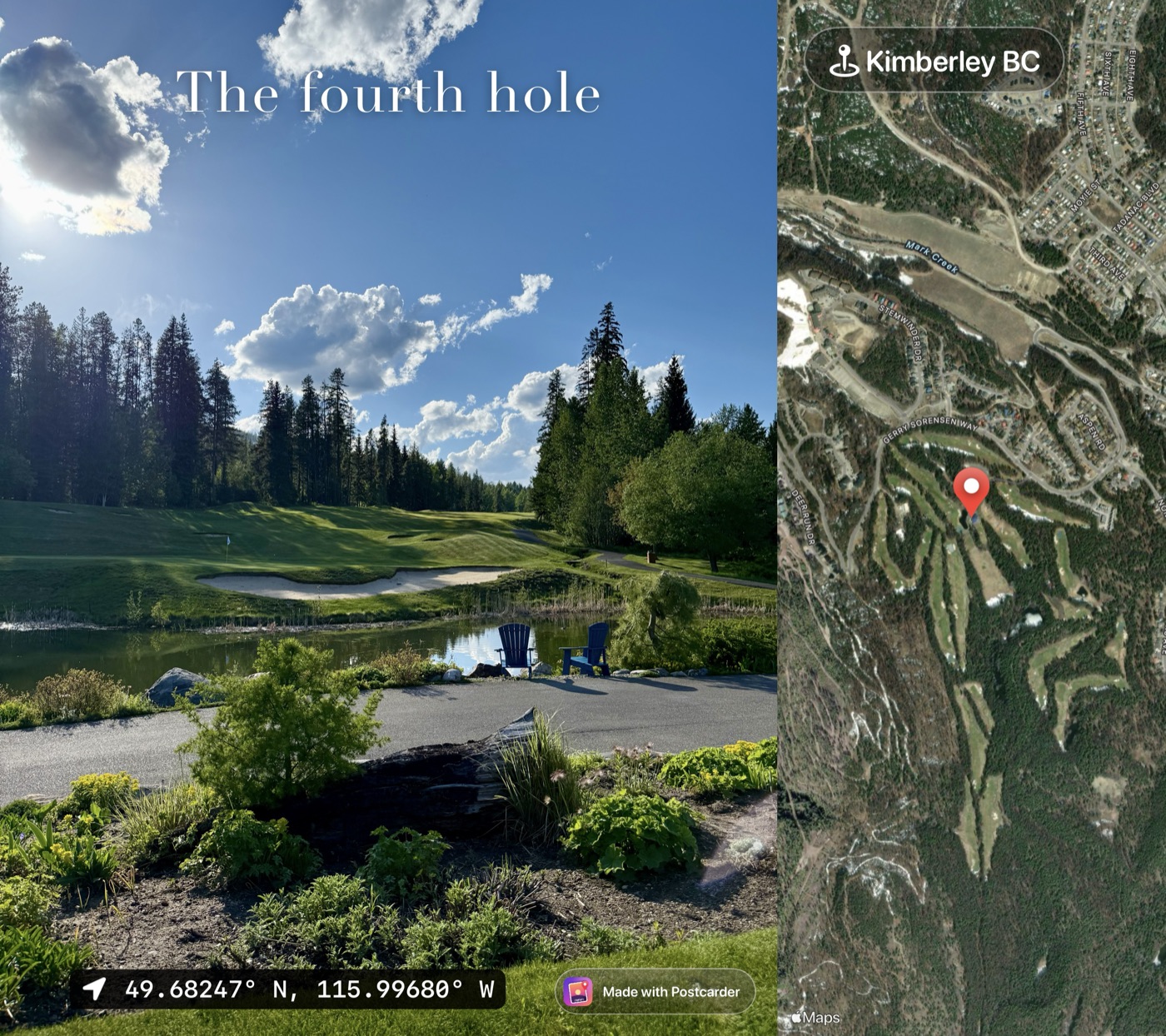
Postcarder adds where and when a photo was taken, right onto the photo, ready to print or post. Free on iPhone.
Coming to the App Store soon
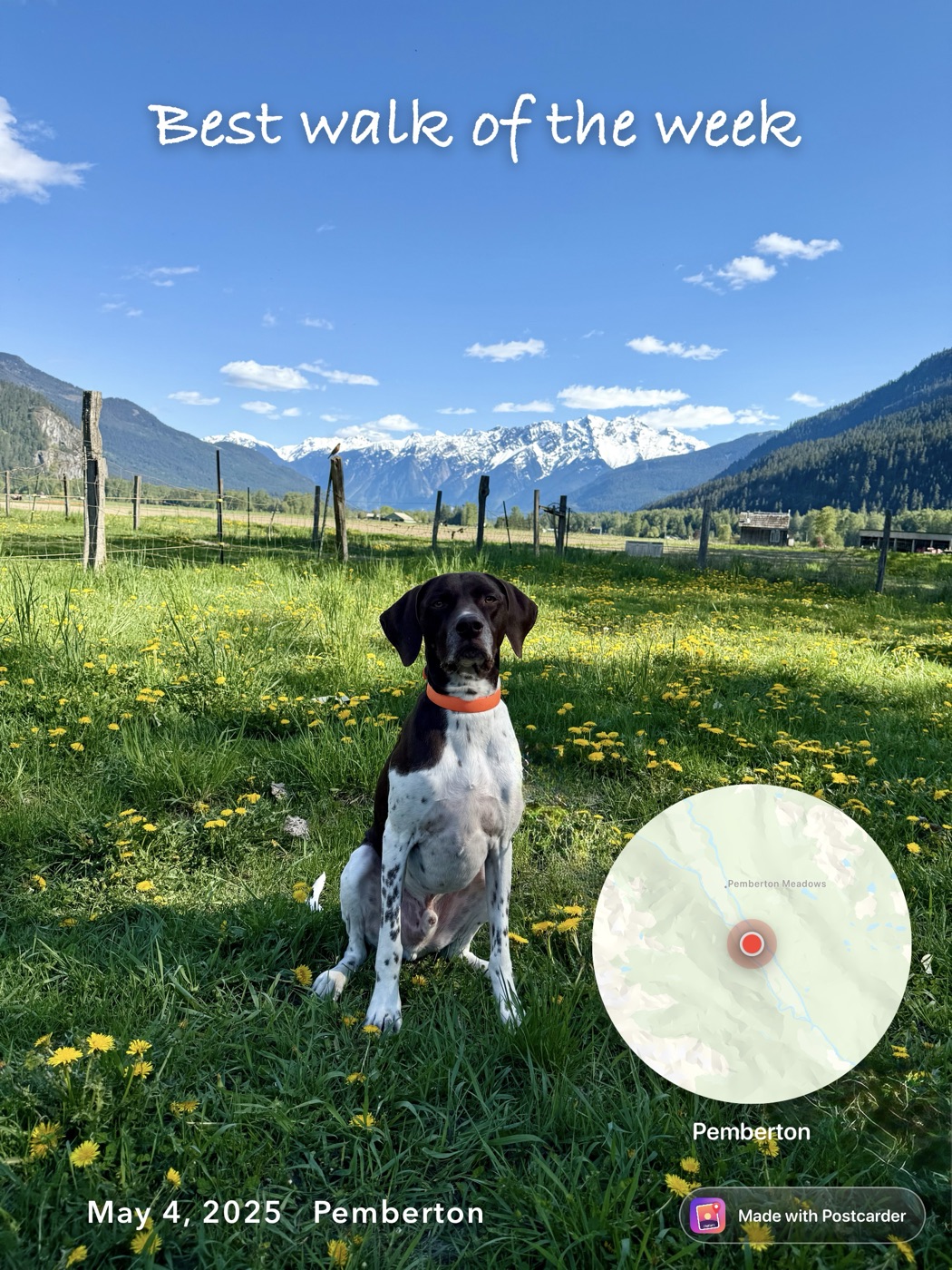
Everything your camera already knew
Your iPhone saves the place and time with every photo. Postcarder reads them back and lets you decide which ones to show, and how.
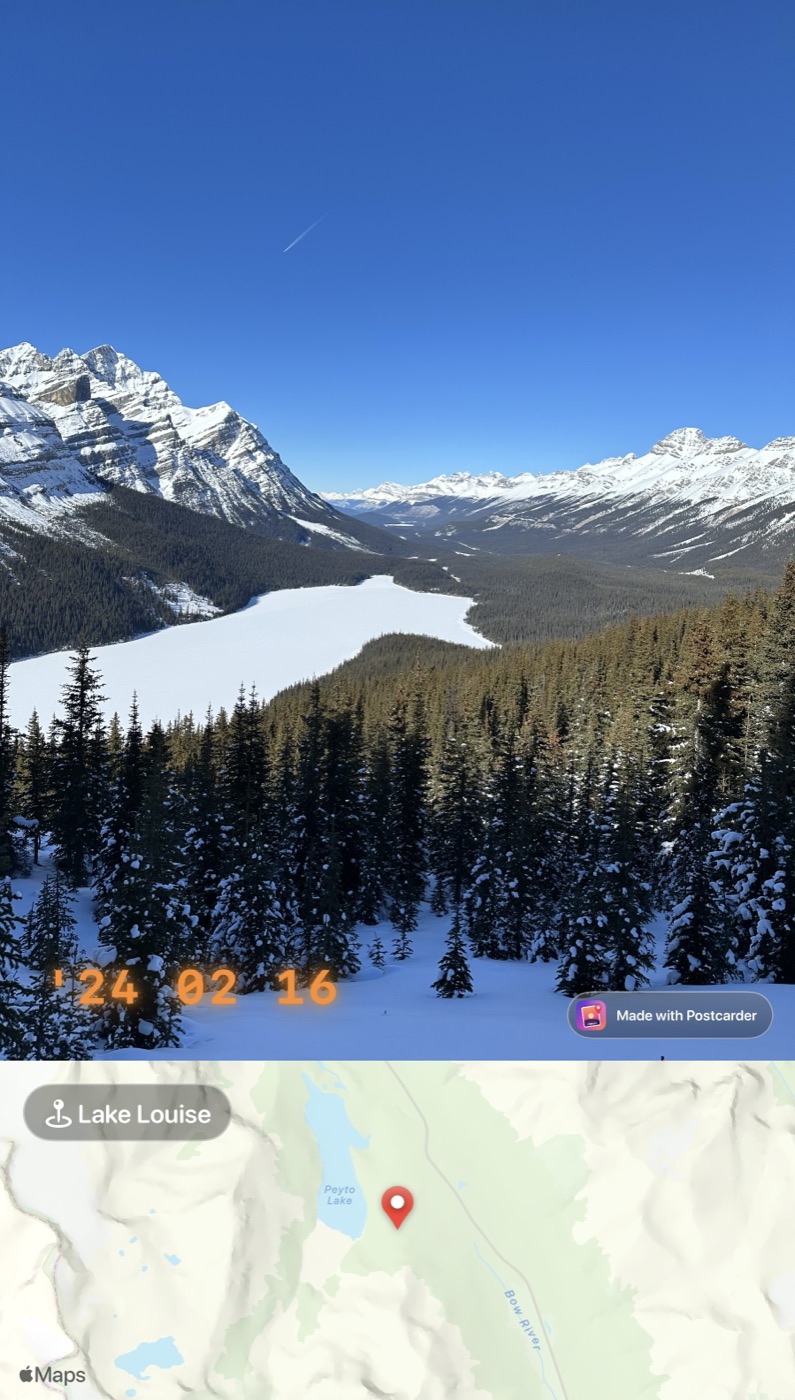
For the fridge, or for the feed
Attach the map beside the photo and it reads like a postcard. Keep everything on the photo and it's ready for your story or a group chat. Either way it exports at full resolution.
What you can add
Tap to edit anything, hold to move it, pinch to resize. Exports keep your photo's full resolution.
- No. 1
A map of the spot
Pinned from the photo's own location. Put it on the photo, or alongside it so nothing gets covered. Street, satellite, light or dark.
- No. 2
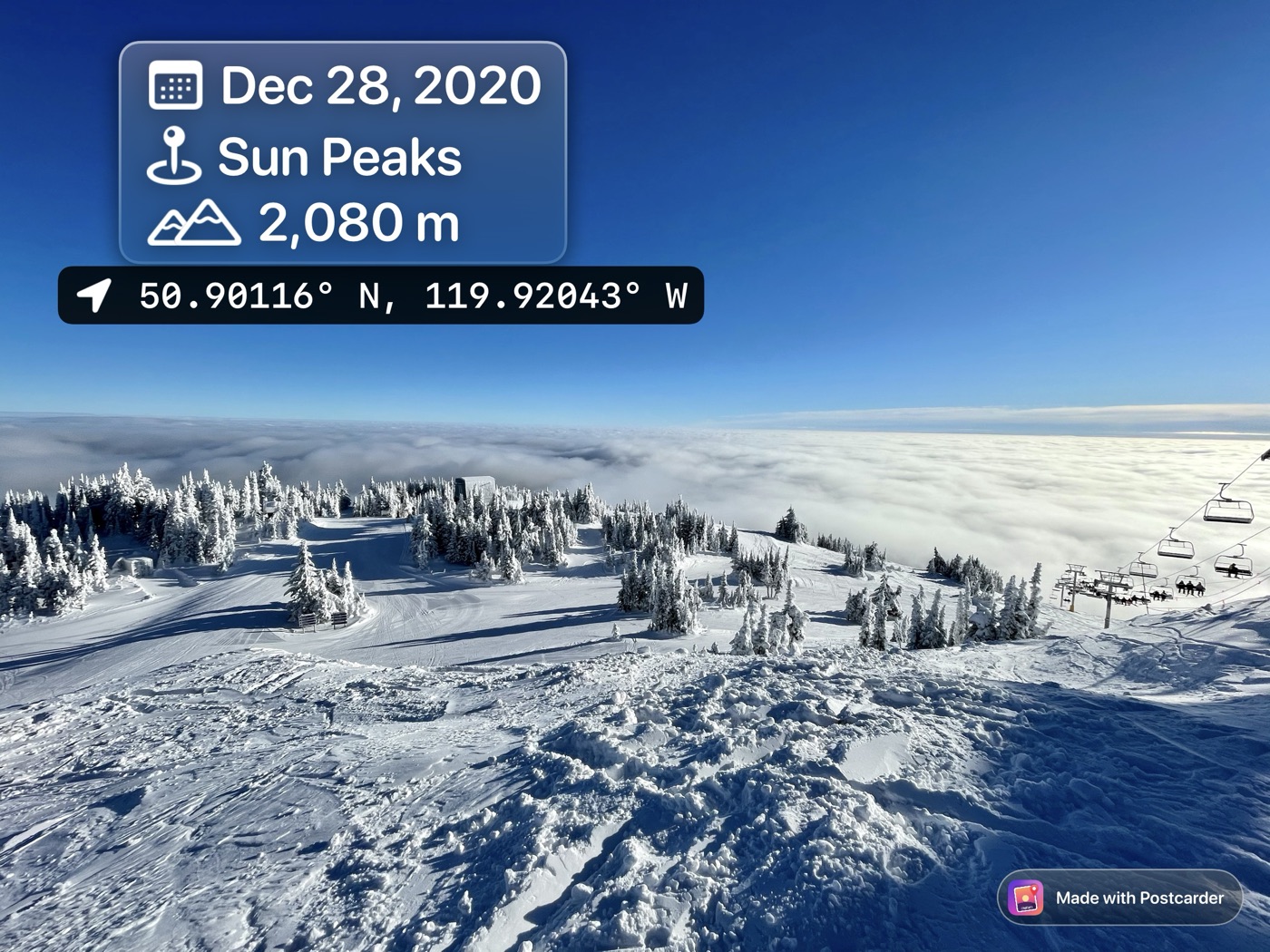
The when and where
Date and time in the time zone the photo was taken in, the place name, altitude, the direction you were facing, and GPS coordinates.
- No. 3
What the weather was doing
From Apple Weather, for that place and hour. Works for photos taken from August 2021 on.
- No. 4
Your own words
Captions in eleven typefaces, emoji, iOS stickers and Genmoji, in colours picked from the photo itself.
- No. 5
Looks you can reuse
Start from a ready-made style, like an orange film-camera date stamp, then save the layout as a preset for next time.
Postcarder is free to use as much as you like. Exported images carry a small "Made with Postcarder" mark.
If you'd rather they didn't, Pro removes it or swaps in your own name or logo. It's a one-time purchase, shared with your family. No subscription, no ads, no account.
On privacy
Your photos never leave your iPhone. There's nothing to sign up for, and Postcarder doesn't collect anything about you. The privacy policy is short, and says exactly that.